Converting Google Drive videos to MP4 format is a common need for users who want better compatibility across devices. MP4 is one of the most widely supported video formats, which makes it easy to play, share, and store videos without compatibility issues.
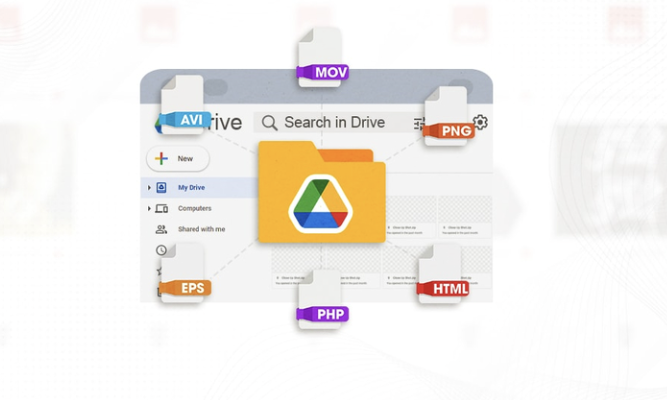
In most cases, videos stored in Google Drive are already in MP4 format. However, sometimes files come in different formats like MOV, AVI, or MKV, and users may want to convert them for easier use.
This guide explains how the process works and what options are commonly used.
Understanding Video Formats in Google Drive
Google Drive itself does not convert video formats. It only stores files in the format they were uploaded.
This means:
- If a video is uploaded as MP4, it stays MP4
- If it is uploaded as MOV or AVI, it remains the same
- Google Drive does not modify file structure or quality
So any conversion must be done outside Google Drive.
Why MP4 Format Is Commonly Used
MP4 is the most popular video format because it is compatible with almost all devices and platforms.
It is widely used because:
- It works on mobile phones, computers, and smart TVs
- It provides good quality with smaller file sizes
- It is supported by most media players
- It is easy to share online
Because of these advantages, many users prefer converting videos to MP4.
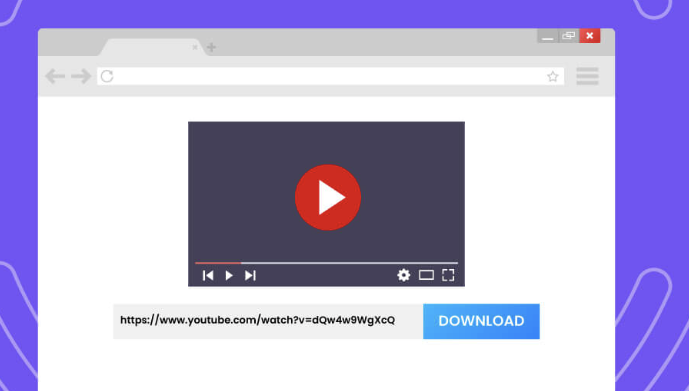
Step 1: Download the Video from Google Drive
To convert a video, you first need to download it from Google Drive.
This process involves:
- Opening the video in Google Drive
- Clicking the download option
- Saving the file to your device
Once downloaded, the file becomes available locally for conversion.
Step 2: Check the Original File Format
Before converting, it is important to check the current format of the video.
You can usually identify it by:
- File extension (like .mov, .avi, .mkv)
- Properties or details section on your device
Knowing the original format helps you choose the right conversion method.
Step 3: Use a Video Conversion Tool
After downloading the video, the next step is conversion using a video converter.
These tools allow you to:
- Upload the video file
- Select MP4 as output format
- Convert the file into MP4
The process usually takes a few minutes depending on file size.
Step 4: Upload and Convert the File
Once inside a converter tool:
- Upload the downloaded video
- Choose MP4 as the target format
- Start the conversion process
The tool processes the file and generates a new MP4 version.
Step 5: Download the Converted MP4 File
After conversion is complete:
- The MP4 file becomes available for download
- You can save it to your device
- It can then be uploaded back to Google Drive if needed
This completes the conversion process.
Why Conversion May Be Needed
Not all videos require conversion, but it becomes necessary in certain cases.
Common reasons include:
- Video not playing on some devices
- Format not supported by media player
- Need for smaller file size
- Better compatibility for sharing
MP4 solves most of these issues.
Compatibility of MP4 Format
MP4 is designed to work across almost all platforms.
It is supported by:
- Android and iOS devices
- Windows and Mac computers
- Browsers and online players
- Video editing software
This makes it a universal format for video files.
Quality Considerations During Conversion
When converting videos, quality depends on the settings used.
Important factors include:
- Original video resolution
- Compression level during conversion
- Tool used for conversion
In most cases, MP4 conversion maintains a good balance between quality and file size.
Storage Considerations
Converted videos may take up different storage space depending on settings.
Keep in mind:
- High-quality MP4 files may be larger
- Compressed files take less space
- Storage limits in Google Drive still apply
Managing file size helps optimize storage usage.
Limitations of Conversion Process
There are a few limitations when converting videos:
- Requires downloading the file first
- Conversion depends on external tools
- Large files may take longer to process
- Quality may slightly change depending on settings
Despite this, MP4 conversion remains widely used.
Final Thoughts
Converting Google Drive videos to MP4 is a simple process that improves compatibility and makes files easier to use across different devices. Since Google Drive does not change file formats, the conversion must be done after downloading the video.
Once converted, MP4 files become easier to play, share, and store, making them a preferred format for most users.