Downloading files from Google Drive can be done in different ways, but the two most common methods are using third-party tools like DriveDownloader and using the manual download option directly from Google Drive.
Both methods aim to achieve the same result, which is saving a file to your device. However, the process, reliability, and user experience can differ depending on which method is used.
This guide explains how both methods work and how they compare in real usage.
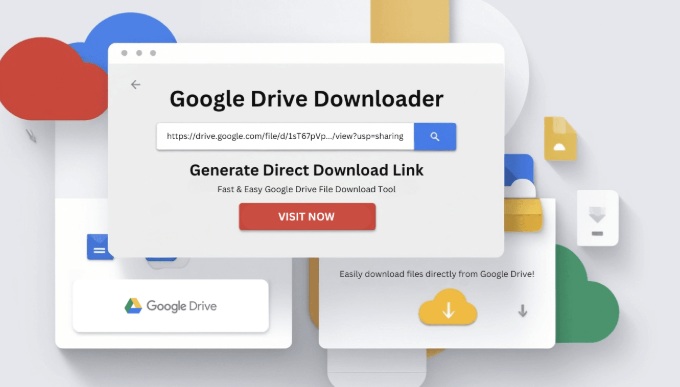
What Is DriveDownloader Method
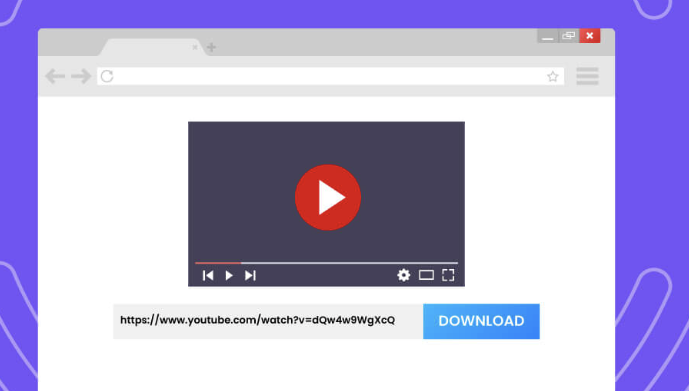
DriveDownloader refers to online tools that help users download files from Google Drive links more easily. These tools work through a simple process where a user pastes a Google Drive link, and the system processes it for download.
The general flow is:
- User copies Google Drive link
- Link is pasted into the tool
- Tool processes the file
- Download option is generated
This method is often used when users want a simplified interface or when direct access is difficult.
What Is Manual Download Method
The manual download method is the direct way of downloading files from Google Drive without using any external tools.
It works like this:
- Open the Google Drive file
- Click the download button
- File is saved directly to your device
This method uses Google Drive’s built-in system and does not involve any third-party service.
Ease of Use
DriveDownloader Method
This method is often considered easier for beginners because:
- It uses a simple link-based system
- No need to navigate Google Drive interface
- Fewer steps for download initiation
Manual Method
The manual method requires:
- Opening Google Drive first
- Locating the file
- Using the built-in download option
While still simple, it involves slightly more interaction with the platform.
Speed of Download Process
DriveDownloader Method
Speed depends on:
- Tool server performance
- File size
- External processing time
In some cases, it may feel slower because the file is processed outside Google Drive.
Manual Method
The manual method usually offers:
- Direct connection to Google servers
- Stable download performance
- More consistent speed
This makes it more reliable for larger files.
Reliability and Stability
DriveDownloader Method
Reliability depends on the external tool being used. Since it is not part of Google Drive, performance may vary.
Possible variations include:
- Temporary tool downtime
- Server overload
- Processing delays
Manual Method
The manual method is fully controlled by Google Drive itself, making it more stable and predictable.
Security Considerations
DriveDownloader Method
Since it uses third-party platforms:
- Security depends on the website
- Some tools may show ads
- Risk level varies by provider
Manual Method
This method is directly handled by Google Drive:
- No external processing involved
- File stays within Google system
- More secure and trusted environment
File Quality and Integrity
Both methods deliver the same file quality because Google Drive does not modify files during download.
This means:
- No compression during download
- Original format remains unchanged
- Same file is delivered in both methods
Quality is not affected by the method used.
Compatibility and Access
DriveDownloader Method
- Works through browser only
- Depends on tool availability
- May work differently across devices
Manual Method
- Works on all devices
- Fully supported by Google Drive
- No additional requirements
Manual method is more universally compatible.
When Each Method Is Used
DriveDownloader is often used when:
- Users want a simplified interface
- Direct download is slow or inconvenient
- Quick access through link is preferred
Manual download is used when:
- Users want stable performance
- Security is a priority
- Direct access to Google Drive is available
Limitations of Both Methods
DriveDownloader Limitations
- Depends on third-party tools
- May include ads or redirects
- Performance varies
Manual Method Limitations
- Requires access to Google Drive
- Needs proper permissions
- May be blocked if access is restricted
Final Thoughts
DriveDownloader and manual download methods both serve the same purpose but work in different ways. DriveDownloader focuses on convenience and simplified access, while the manual method focuses on stability, security, and direct file handling.
In most cases, the manual method provides a more reliable and consistent experience because it works directly within Google Drive’s system without relying on external tools.